

One thing you learn in real estate is that a well-staged home will help you sell it faster and for more money. It’s the same for art. Hang a work of art in the wrong place and it just looks odd. Stage the art—surround it with colours, frames and textures that complement the art—and all of a sudden it looks amazing and like it belongs. But what if you don’t have access to the right space or the resources to help you achieve this? In comes the “Smartist” app.
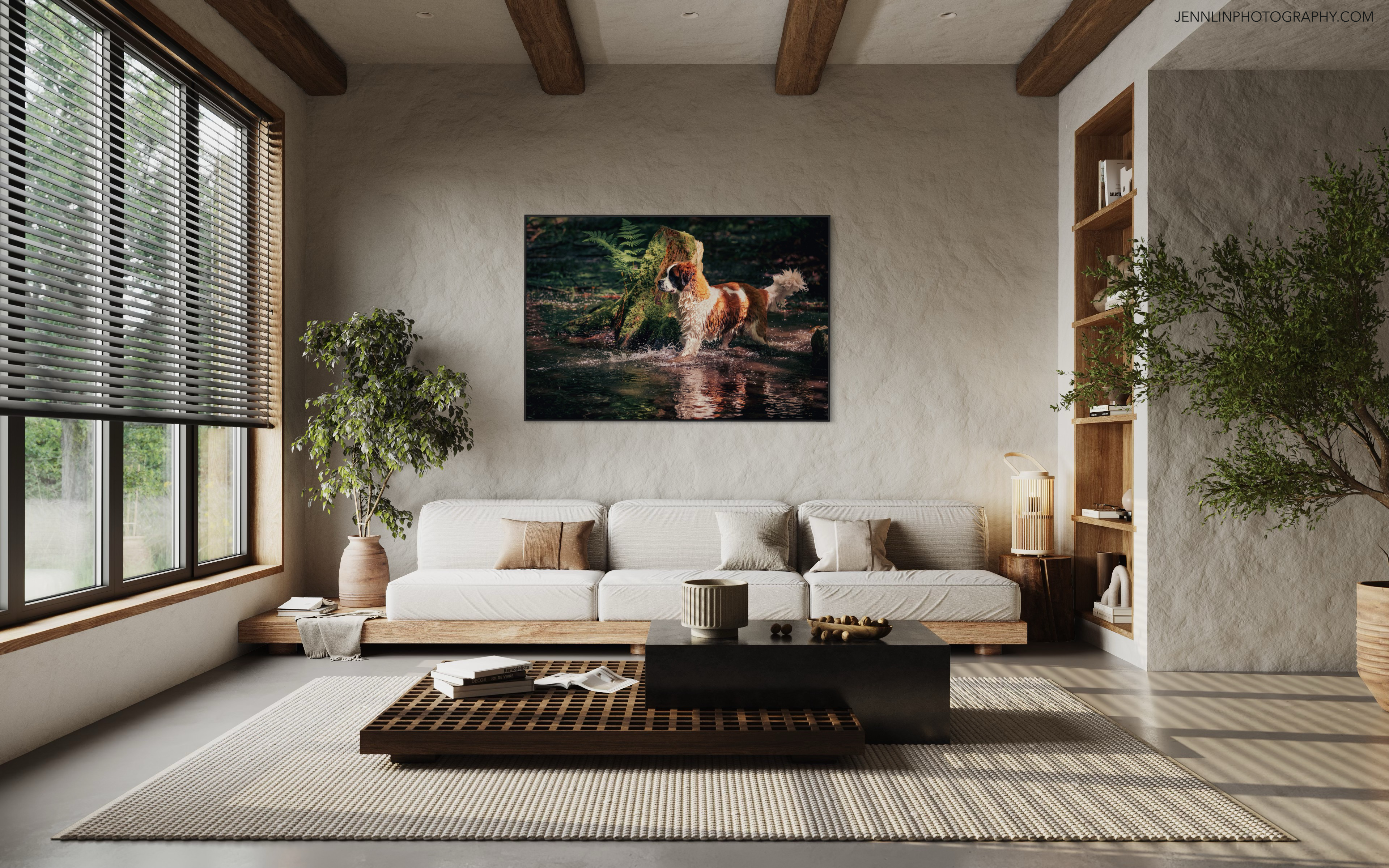
The Smartist app is an easy way to make realistic renderings of your 2D art in an interior space. Choose from any array of stock rooms: bedrooms, bathrooms, offices, lobbies, hallways, galleries, kitchens, restaurants, seasonal, and even children’s rooms. Easily upload images of your art from your camera roll and add a frame or mat, and even choose the colours and sizes for them. At any point, you can swap the room or resize the height, width and depth of the artwork. With one tap, you can also view the room from an alternate angle (love this feature).
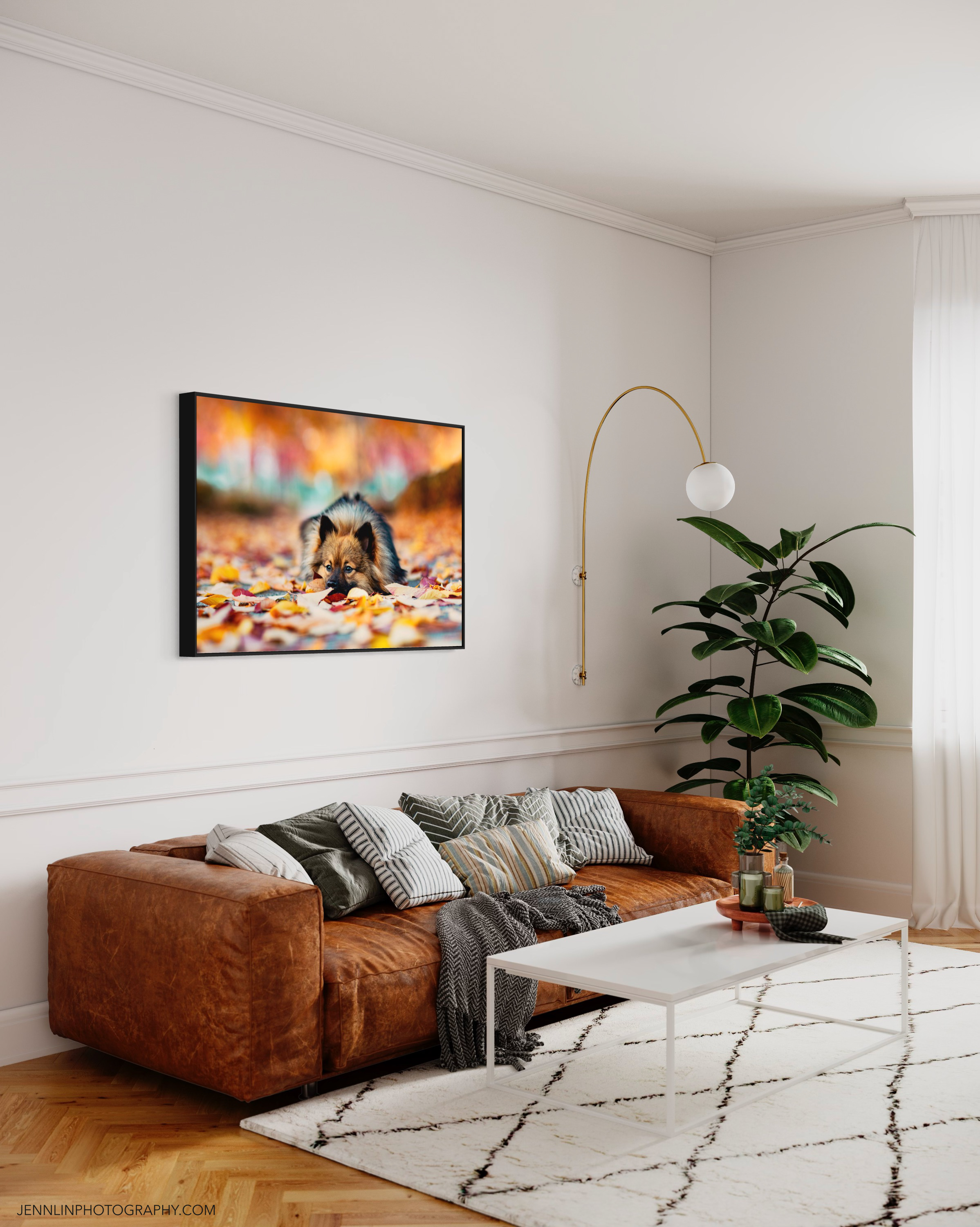
If you’re an interior decorator, this app can also help you visualize how an artwork might look in your own space. You can upload or take a picture of your own space, and determine, with a few taps of your finger, where the “wall” in the image is (where you will “hang” the art). The processor on my iPhone 11 Pro isn’t quite fast enough to handle this step without any lag, but I imagine that the newer chips won’t have that issue. Yes, the app has definitely crashed on me more than once, but it seems to have gotten more stable over time.

The Smartist app recently came in handy for me when I was promoting my “Double Happiness” Photo Booth sessions over the winter holidays. Its small selection of Christmassy interiors provided the perfect complement to my art, which featured a red curtain backdrop. One can create a lot with a 3-day free trial! The app is super easy to use and the interiors provided are of extremely high detail.
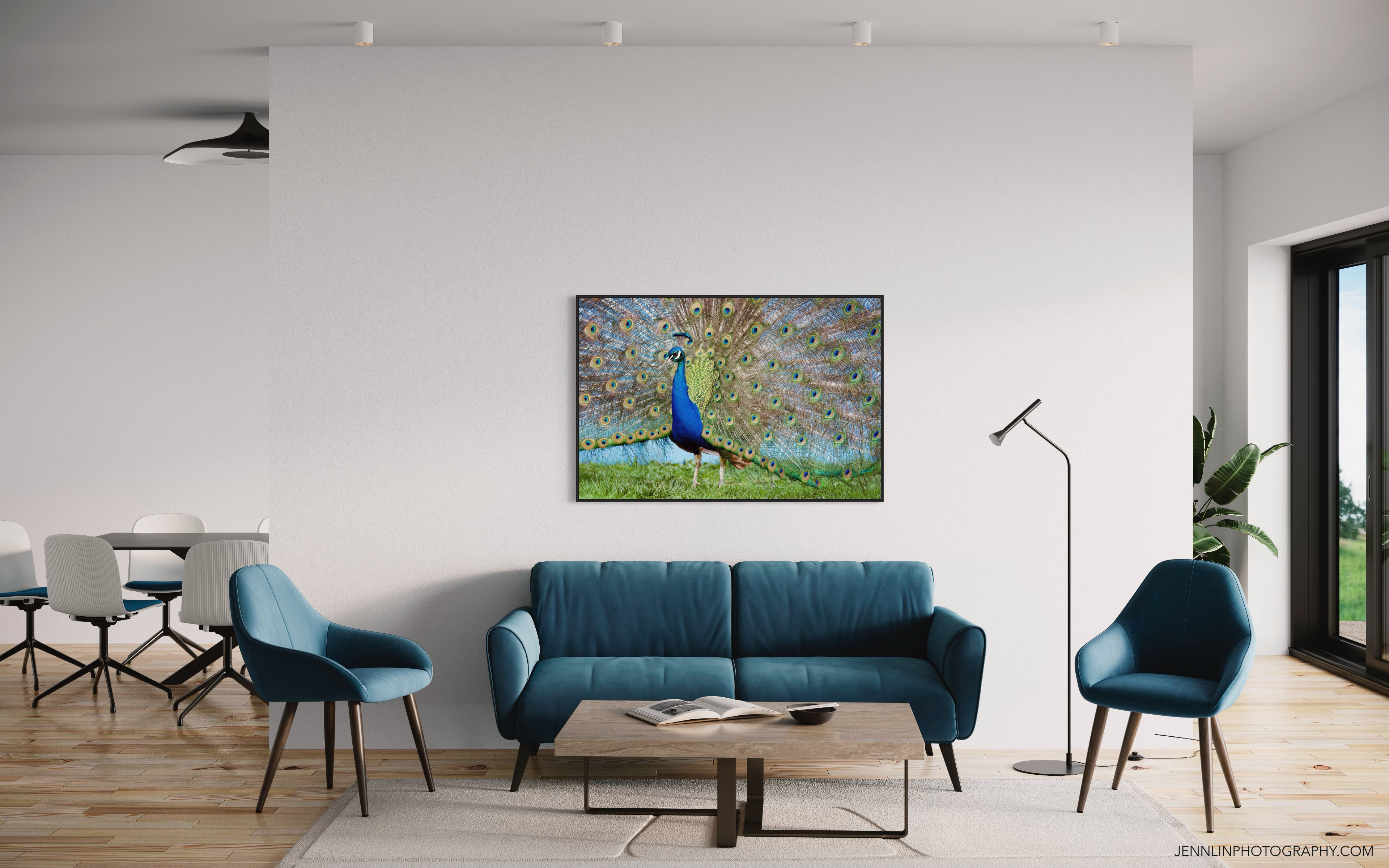
(There’s a story behind this peacock image, but that’s something I’ll have to get to in another blog post, another day.)
It seems like the Smartist team is still building their library of interiors to choose from. Just yesterday, I was notified that 20 new interiors were added. But even now, with its sizeable collection of interiors, I can imagine using this app to create an entire virtual gallery to showcase my work. But why stop at decorating your own room or space? Why not imagine your art in Times Square in New York? Or inside any number of famous art galleries? The possibilities are endless.
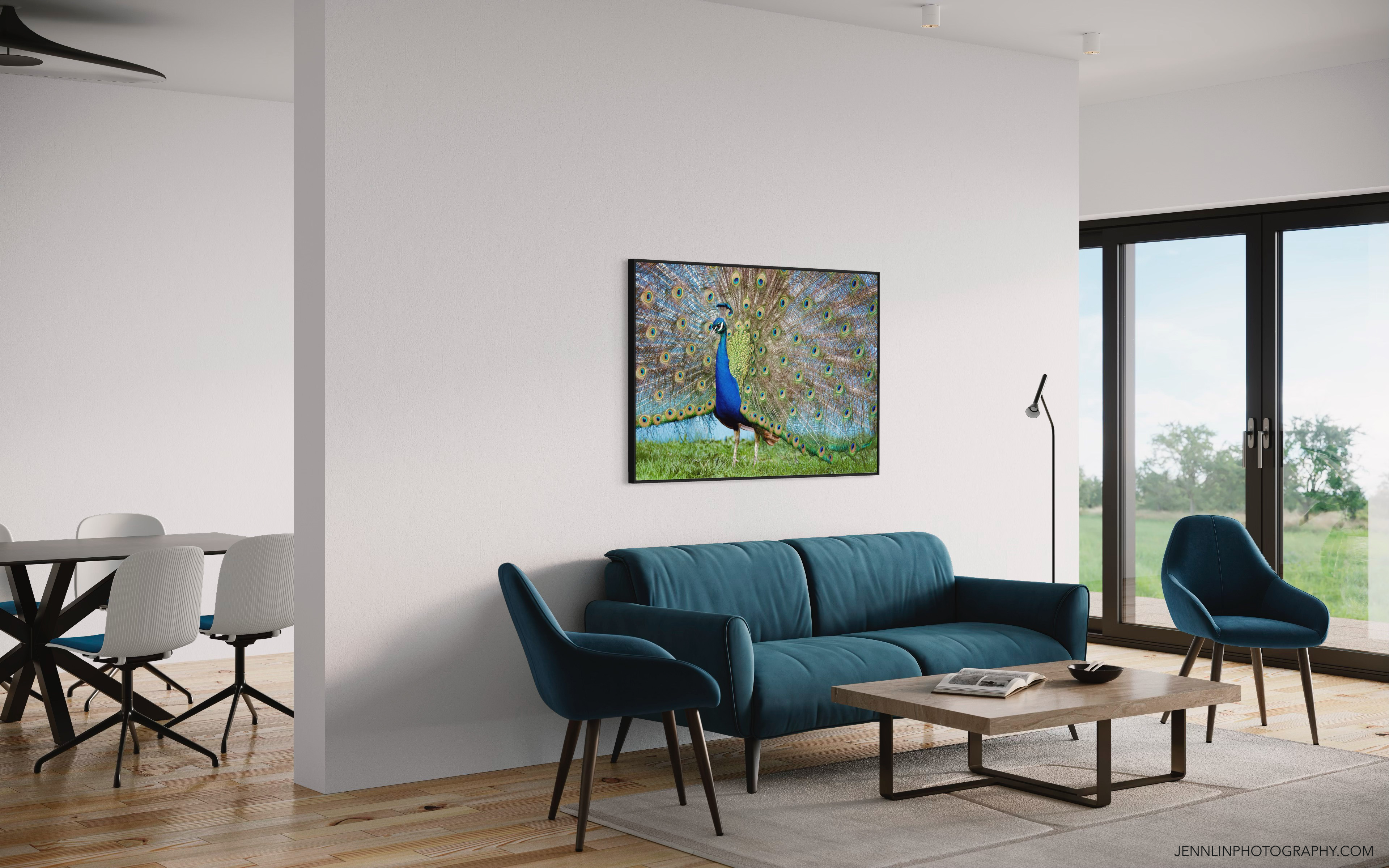
So is it worth the subscription fee? At $12.99/mo and $99/year, it does seem a little pricey. Adobe’s Lightroom mobile app is about $6.49/mo and it comes with way more image editing tools, and I’ll use it for pretty much every image I create. But it doesn’t do what the Smartist app does, which is to help users (and their clients) imagine their art in different environments. Half the battle of selling art and landing clients is just showing them your skills and your vision… if an app like Smartist can help you do that in only a few taps, saving you loads of time and effort, I’d say it’s worth the investment.
 Jenn Lin Photography